top of page
E Card Project
GIF Animation


Save on desktop, Remember clean up the desktop when your done
E Card Example
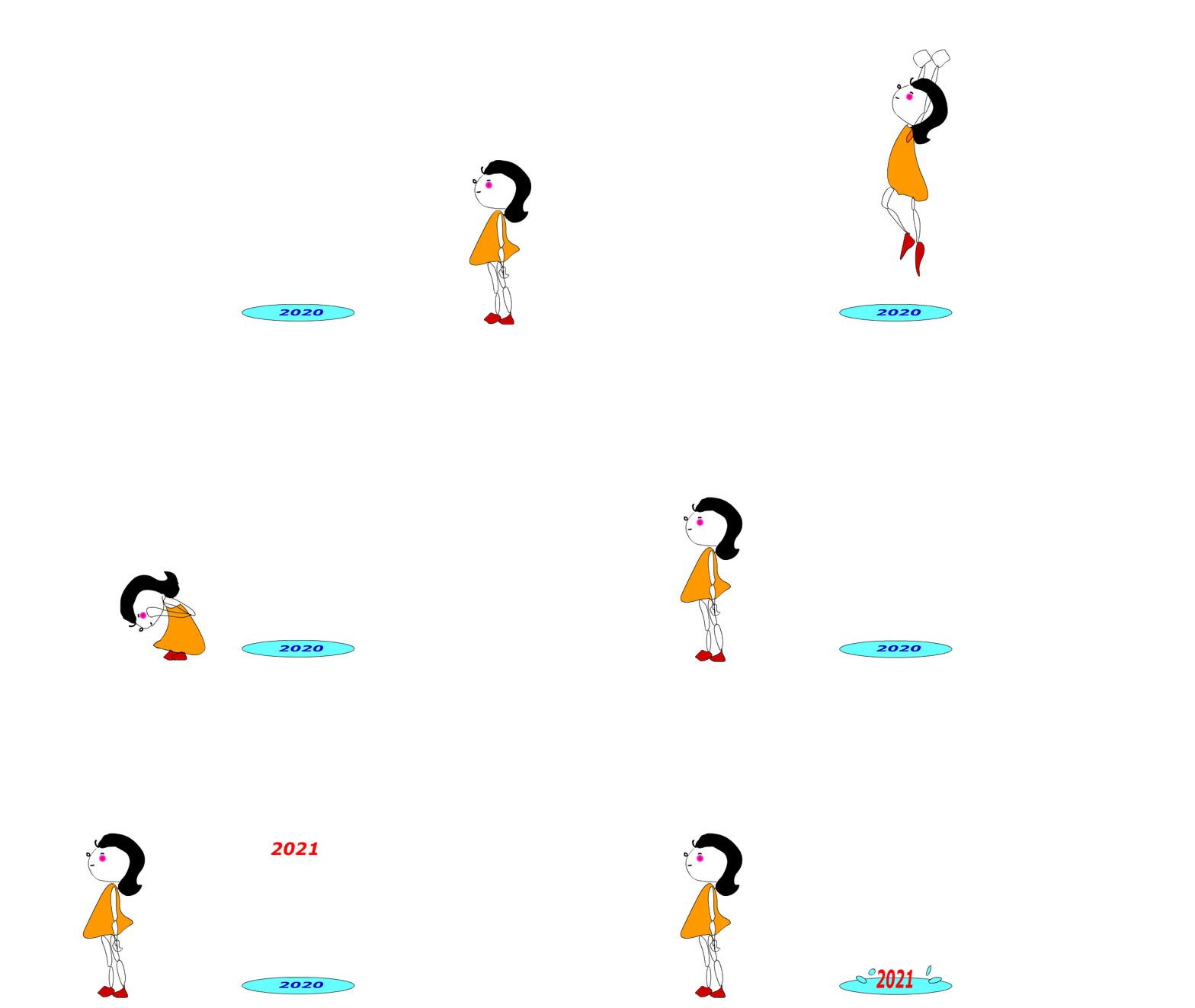
Project: All objects, characters, and moving backgrounds must be created independently. No copy
-
Following the instruction
-
Create 1 Halloween Card
-
Create 1 Christmas E-card
-
Create 1 New Year E-card
-
Create 1 Valentine's Day card
-
Create 1 E-Card (open topic)
-
Set Width 2560, Height 1440, Frame rate 24 or 30
-
Create a background with different layers on each E-card
-
Save everything and steps on your device
-
Export to GIF Animation
-
Please send it to your parents, and friends by email, chat,...
-
Please post it on your Project folder E card page.
4 weeks

Walking sample:
Drawing sample:
bottom of page